UKey Wallet Developers Portal
Build secure Web3 experiences with UKey Wallet hardware.
Build secure Web3 experiences with UKey Wallet hardware.
Begin with the core SDK path, then jump into the chain or provider docs that match your app.
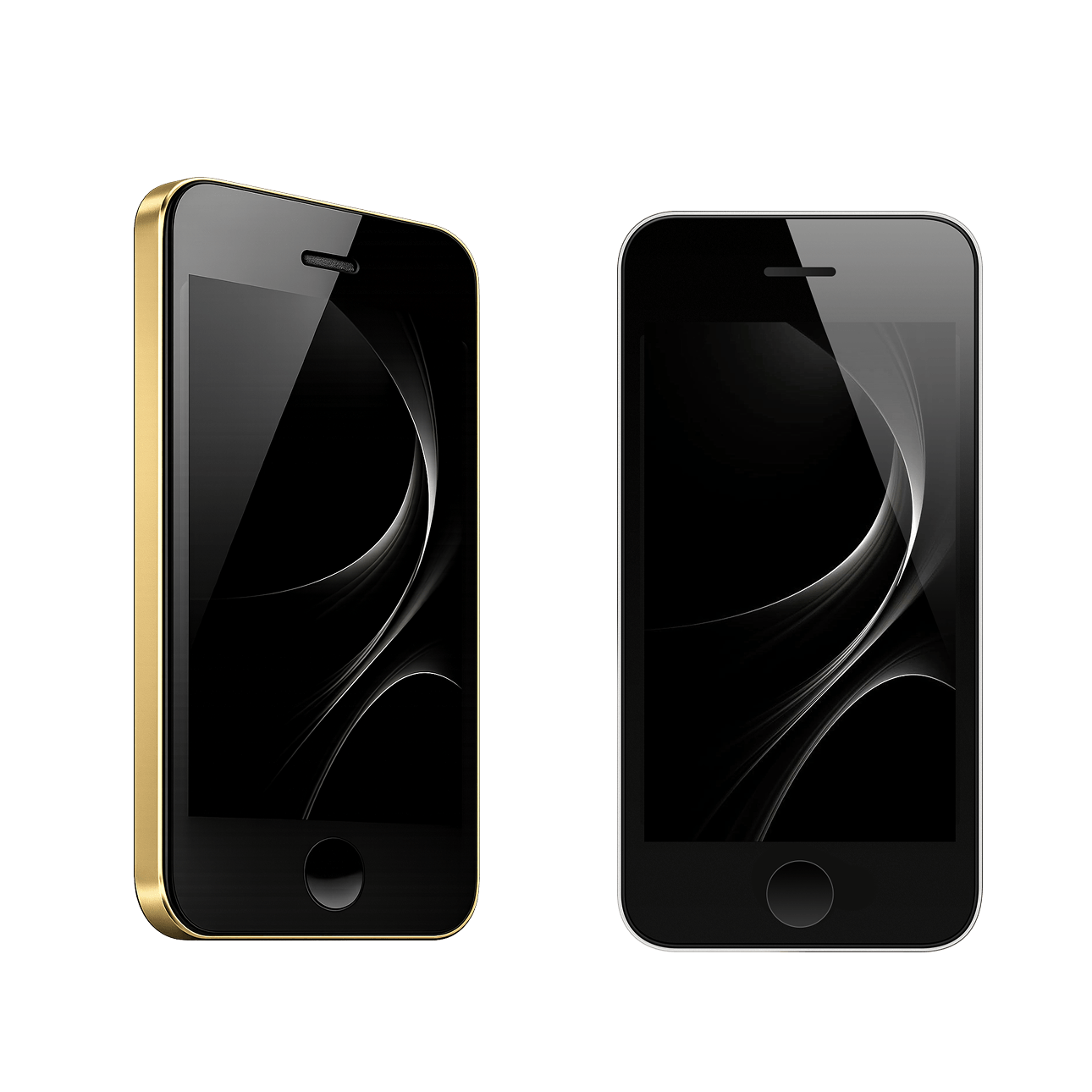
Link UKey Wallet hardware through USB or BLE with the right transport for each platform.
SDKs and APIs for connecting wallets, requesting signatures, and wiring in workflows.
Deep links into the highest-value signing references for wallet and DApp integrations.
Move signing into a QR-based offline flow when network isolation matters.
Get support for SDK setup, transport choices, and launch checks.